
Queen's Domain Steam Deck: Verified Status & Controls
Queen's Domain Steam Deck support includes Verified status, readable text, and working handheld controls. Explore compatibility details before you sail.
Jump to
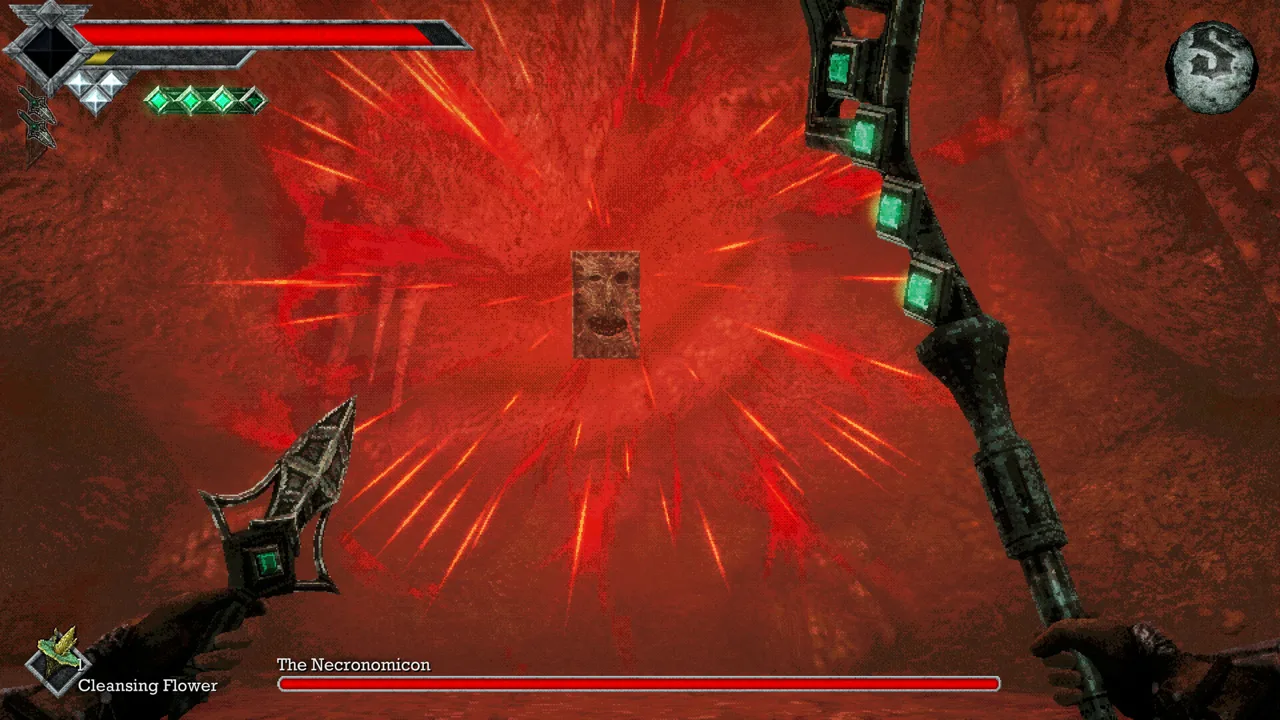
Is Queen's Domain Verified on Steam Deck?
Queen's Domain Steam Deck support carries a Verified rating, with functional default controls and readable interface text. That matters when you’re managing stamina in combat or searching the Isle of Neasied for another hidden route. The default configuration also meets the Deck compatibility review’s performance criteria.
The game launched on October 30, 2026, following its Deck verification announcement on October 29. During development, testers accumulated hundreds of hours playing on their Decks.
For handheld play, the compatibility details cover the essentials:
- The default controller configuration is fully functional.
- Button prompts match the Deck’s controls.
- Interface text is legible on the handheld screen.
- The default configuration is performant.
Controls and Default Configuration
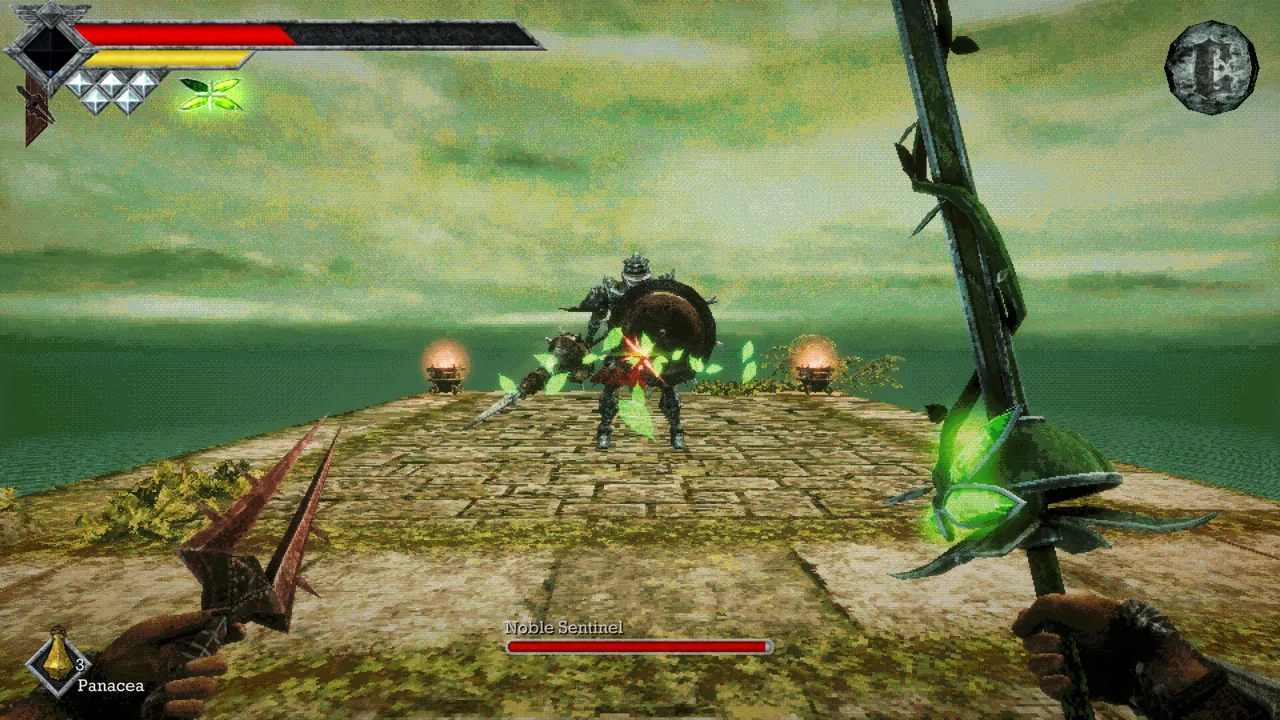 Image: Steam / Freshly Baked Games LLC
Start with the default controller configuration. It already meets the handheld compatibility requirements, including matching button prompts, so you have a supported starting point for exploration and combat.
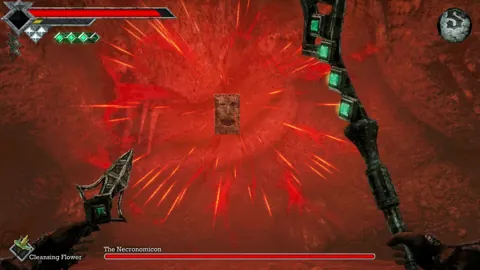
Queen’s Domain combines stamina-based fighting with charge attacks, weapon-specific special attacks, and secondary throwing weapons. Learn the inputs for those actions before pushing deeper into the island’s interconnected passages. With several attack options competing for your attention, knowing your controls helps you concentrate on the fight.
Traversal deserves the same attention. The Legendary Holy Sword Endu lets you fly between platforms, and upgrades extend your flight distance. Get comfortable with its traversal controls before tackling gaps.
The Verified rating supports using the default configuration as your baseline. It is a compatibility assessment rather than a specific frame-rate or battery-life target.
SteamOS, Linux, and External Controllers
The Steam Deck rating is Verified, while the separate SteamOS / Linux compatibility rating is Playable. Those are distinct assessments, so the broader Linux label does not replace the handheld’s Verified status.
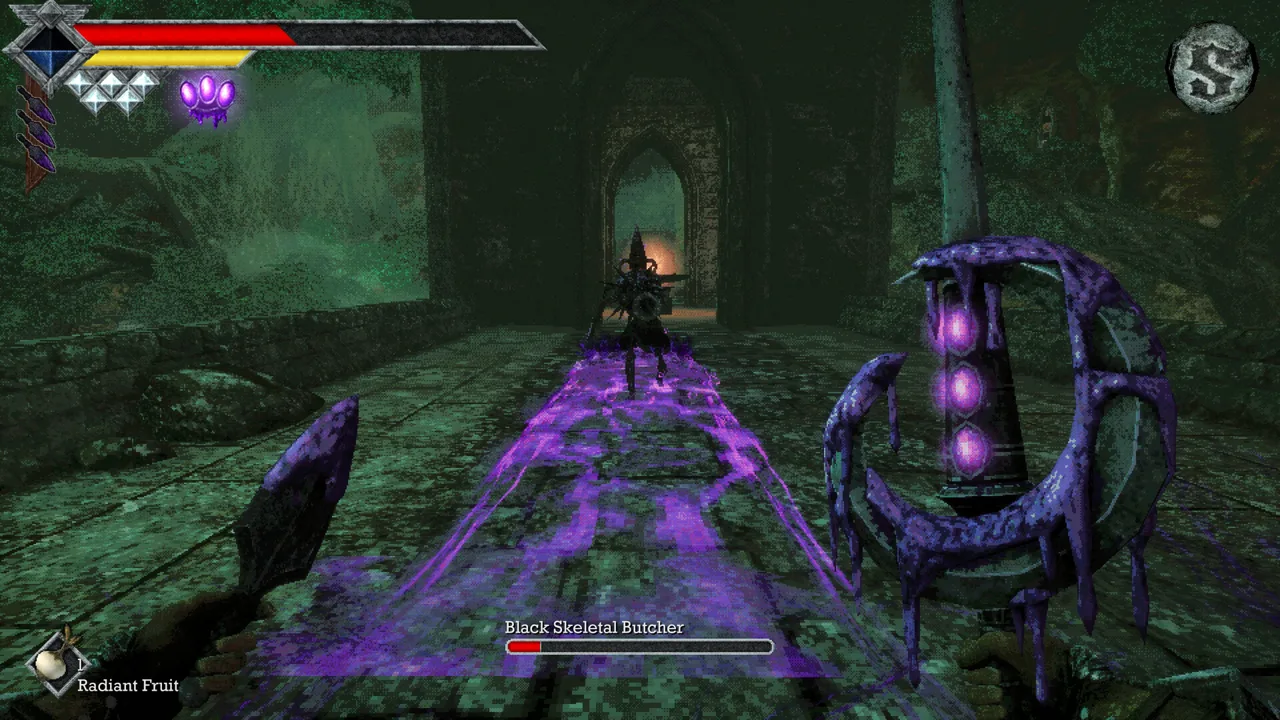 Image: Steam / Freshly Baked Games LLC
The PC release supports Windows and uses Proton compatibility for play under SteamOS. Game startup is functional in the SteamOS / Linux assessment.
There is one controller limitation to keep in mind: external controllers are unsupported for the primary player in the compatibility assessment. Use the Deck’s built-in controls for handheld play, and account for that restriction before planning a docked setup around a separate gamepad.
The game’s broader full controller support feature and its Deck-specific external-controller restriction address different parts of compatibility.
Steam Features and the Demo
Beyond handheld compatibility, these Steam features are useful to know before starting your adventure:
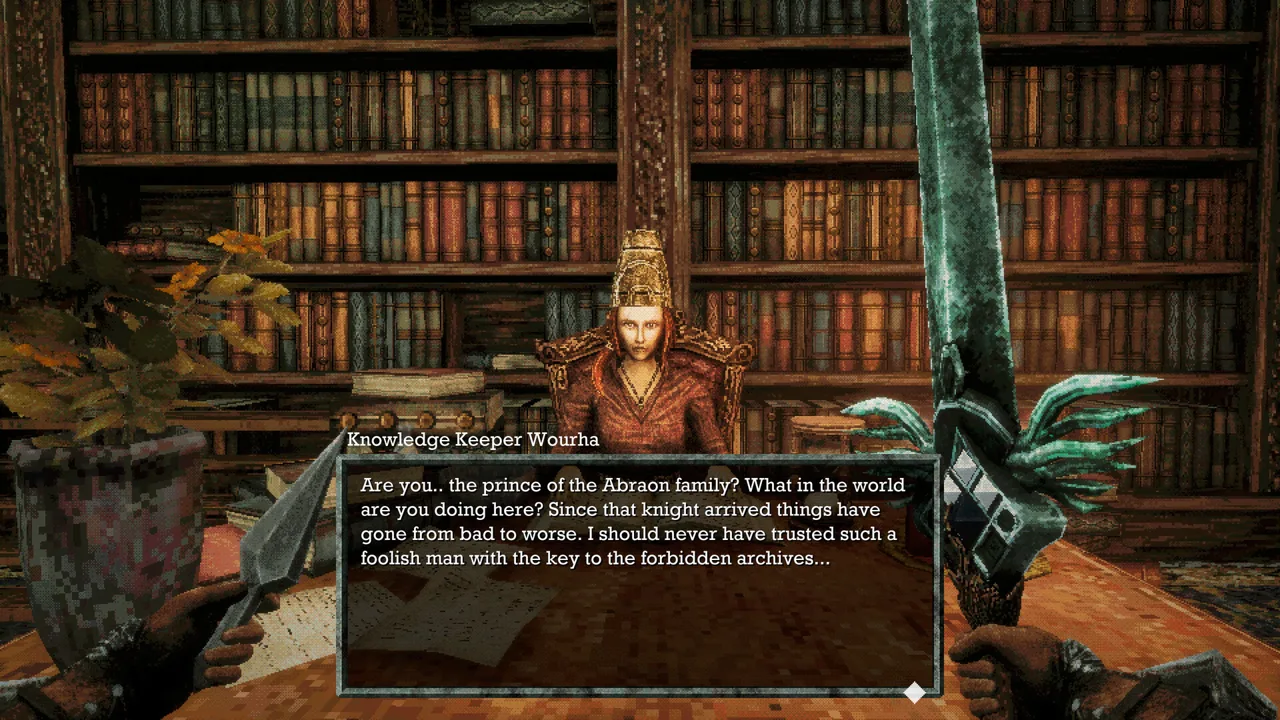 Image: Steam / Freshly Baked Games LLC
- Full controller support accompanies the default Deck control configuration.
- Steam Cloud is supported.
- 53 Steam achievements are available.
- Single-player exploration and combat make up the adventure.
A demo is also available. The full game includes more than 50 melee weapons to discover, equip, and upgrade, plus more than 20 types of secondary throwing weapons.
Continue with
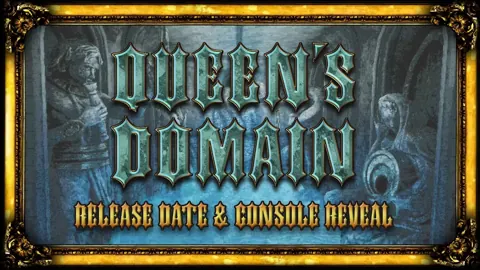 Queen's Domain System Requirements: Can Your PC Run It?Queen's Domain system requirements: compare minimum and recommended PC specs, RAM, graphics cards, storage space, and Steam Deck performance before buying.
More in Platforms
See all Platforms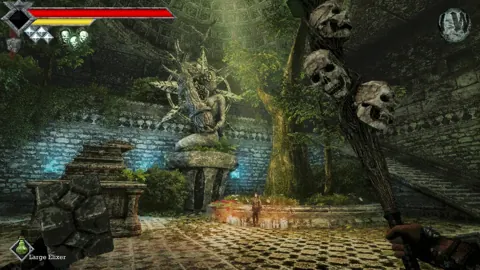
Continue exploring
Queen's Domain Difficulty: Combat and Survival Tips
Queen's Domain difficulty gets easier when you understand stamina, throwing weapons, and saving. Learn how to survive early fights and find stat upgrades.
Queen's Domain Review: Is This Retro RPG Worth It?
Queen's Domain review explores its secret-filled island, deliberate combat, sword-powered traversal, and launch issues to help you decide whether to buy.
Join the community
Official channels for news, updates and player help: