Queen's Domain Throwing Weapons: Dagger Belt & Tips
Master Queen's Domain throwing weapons with dagger belt locations, cooldown basics, combat tips, ranged loadouts, and solutions for early island puzzles.
Jump to
How Throwing Weapons Work
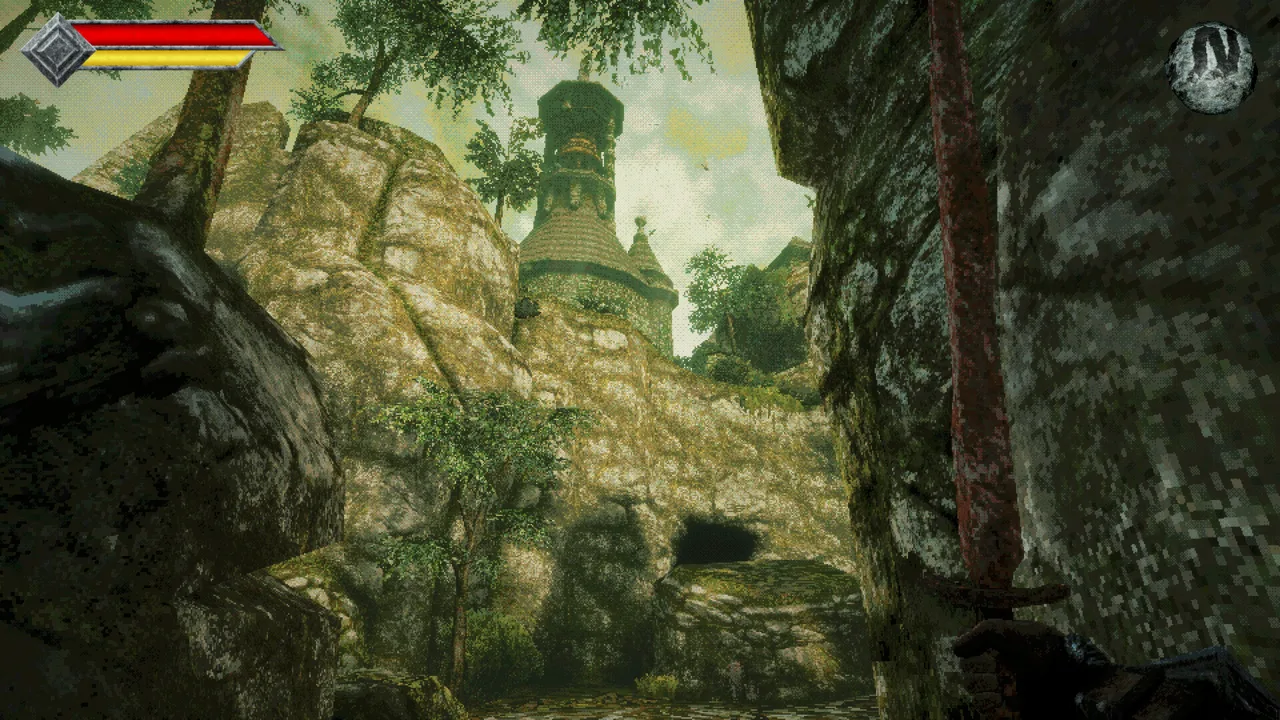
Queen's Domain throwing weapons let you deal with laser-firing eye plants before walking into their line of fire. Your enchanted Dagger Belt replenishes thrown weapons after a cooldown, giving you reusable ranged attacks throughout your exploration. Use them to reach elevated enemies, separate dangerous groups, and keep pressure on a target between melee strikes.
The dagger belt charge display shows how many throws remain available for your equipped weapon. Different throwing weapons take different amounts of time to recharge, so watch the display before committing to another exchange.
Your equipment screen has three throwing weapon slots. As your collection grows, equip different options and switch between them during combat.
The arsenal gives you plenty to work with:
- 20+ types of secondary throwing weapons support different combat strategies.
- 50+ melee weapons give you options for pairing ranged attacks with different moves and damage types.
Official page: Queen's Domain (store.steampowered.com)
Where to Find the Dagger Belt
Look around the shoreline near the shipwreck in the opening area.
Make this pickup an early priority:
- Search the shore near the wreck instead of heading straight toward the shrine.
- Collect the Dagger Belt and throwing daggers.
- Equip the daggers through your equipment menu.
- Check the throwing weapon input in your controls.
- Test a throw from a safe position and watch the charges replenish.
The belt’s enchantment returns its weapons to their sheaths. You can use the daggers repeatedly without searching the ground for each projectile afterward.
Once equipped, use them against the eye plants perched above nearby paths. These enemies can punish you while you fight something else, so clear overhead threats before stepping into a melee encounter.
Fit Throws Into Your Combat Rhythm
Melee damage depends heavily on the yellow Power Meter. Repeatedly swinging with an empty meter produces weak attacks, while allowing it to refill gives your next strike more force. Throwing weapons give you something useful to do while managing that rhythm.

Open From a Distance
Throw at an enemy before moving within its reach. Against a group, aim for a target you can draw toward open ground, then retreat to separate the fight from nearby threats.
Keep looking behind you as you reposition. Backing into a wall while waiting for your daggers to return leaves you with fewer ways to avoid a lunge.
Against flying enemies, use throws to damage them at heights your melee weapon cannot comfortably reach. Move in for a melee strike when they come low enough.
Throw Between Melee Attacks
Try this sequence against a familiar enemy:
- Start with a ranged hit while you have space.
- Watch its approach and attack animation.
- Land a melee strike during an opening.
- Move out of reach and use available throws while your Power Meter recovers.
- Reengage when your weapon and position are ready.
Adjust the sequence to the enemy’s reach. Some creatures lunge far enough to catch a straight retreat, so circle away when backing up keeps getting you hit.
Release Charged Attacks Before Throwing
Holding a charged melee attack prevents you from using throwing weapons. If the throw input stops responding while you are preparing a heavy strike, release the charge before trying again.
Choose your action before the opening arrives. Charge a melee hit when an enemy is approaching a predictable attack window; keep your hands free for throws when you need to deal with something farther away.
Manage Your Ranged Loadout
Build your loadout around the weapons you have collected:
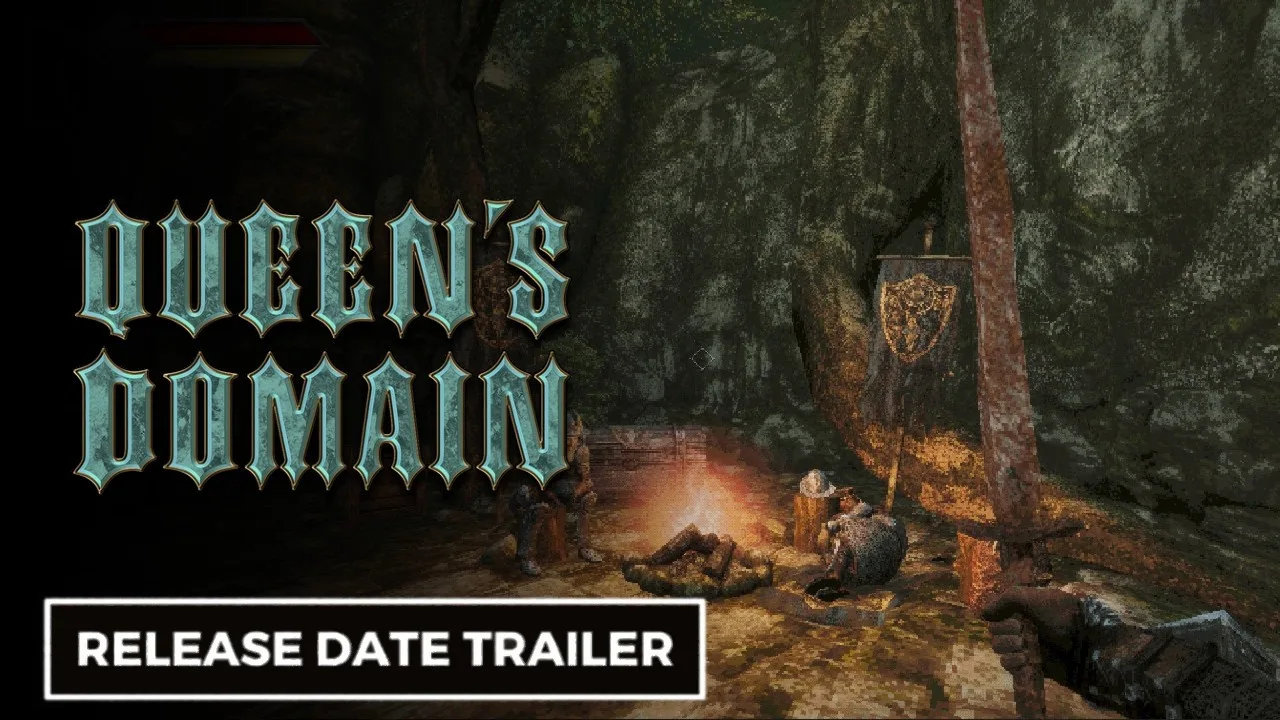
- Equip available throwing options across your three ranged slots.
- Switch weapons during longer fights instead of repeatedly attempting an unavailable throw.
- Watch each weapon’s recharge timing so you know what is ready before closing distance.
Practice switching between equipped throwing weapons somewhere safe. Learn which input selects each option before attempting to rotate through them during a boss fight.
Use Daggers to Open Paths and Find Secrets
Throwing weapons also interact with parts of the environment. Near the early crypt entrance, a switch opens the way inside when hit with a thrown dagger.
To open the crypt entrance:
- Look for the switch near the entrance.
- Hit the switch with a thrown dagger.
- Enter the crypt and search for the Endu shrine gate key.
Clear nearby eye plants before lining up the shot. Their attacks can turn a simple environmental interaction into an unnecessary scramble.
Why You Suddenly Cannot Throw
Two mechanics can interrupt a throwing weapon routine: holding a charged melee attack and the Sticky status effect.
Sticky prevents throwing weapon use and covers the screen with a spiderweb effect. Check the Status entry in your inventory when your daggers stop working unexpectedly.
Release any held melee charge first. If Sticky is active, use the appropriate status remedy, wait for the effect to expire from a safe position, or return to a Crystal Monument and rest.
Resting clears negative status effects and restores health, but it also respawns enemies. If you retreat to cure Sticky, prepare to fight through the route again when you leave.
Continue with
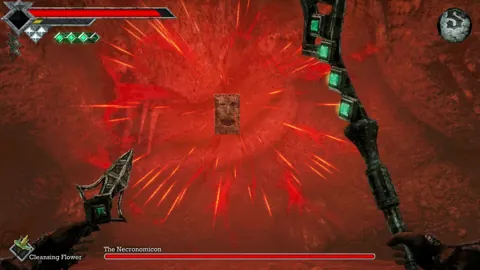 Queen's Domain Weapon Upgrades: Endu and Gear GuideMaster Queen's Domain weapon upgrades with weapon leveling tips, Endu evolutions, Wind Gem locations, and the Trident upgrade that unlocks extra loot.
Continue exploring
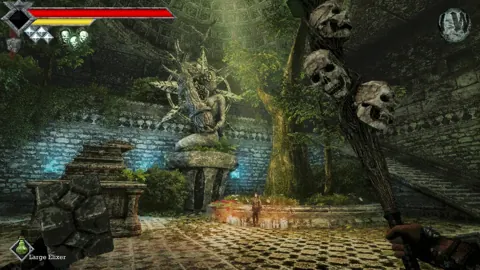
Queen's Domain Demo Guide: Daggers, Keys & Boss Tips
Explore the Queen's Domain demo with a route to the Dagger Belt, shrine key, and boss, plus combat tips that help you save herbs and protect progress.
Queen's Domain Difficulty: Combat and Survival Tips
Queen's Domain difficulty gets easier when you understand stamina, throwing weapons, and saving. Learn how to survive early fights and find stat upgrades.
Join the community
Official channels for news, updates and player help: