
Queen's Domain Demo Guide: Daggers, Keys & Boss Tips
Explore the Queen's Domain demo with a route to the Dagger Belt, shrine key, and boss, plus combat tips that help you save herbs and protect progress.
Jump to
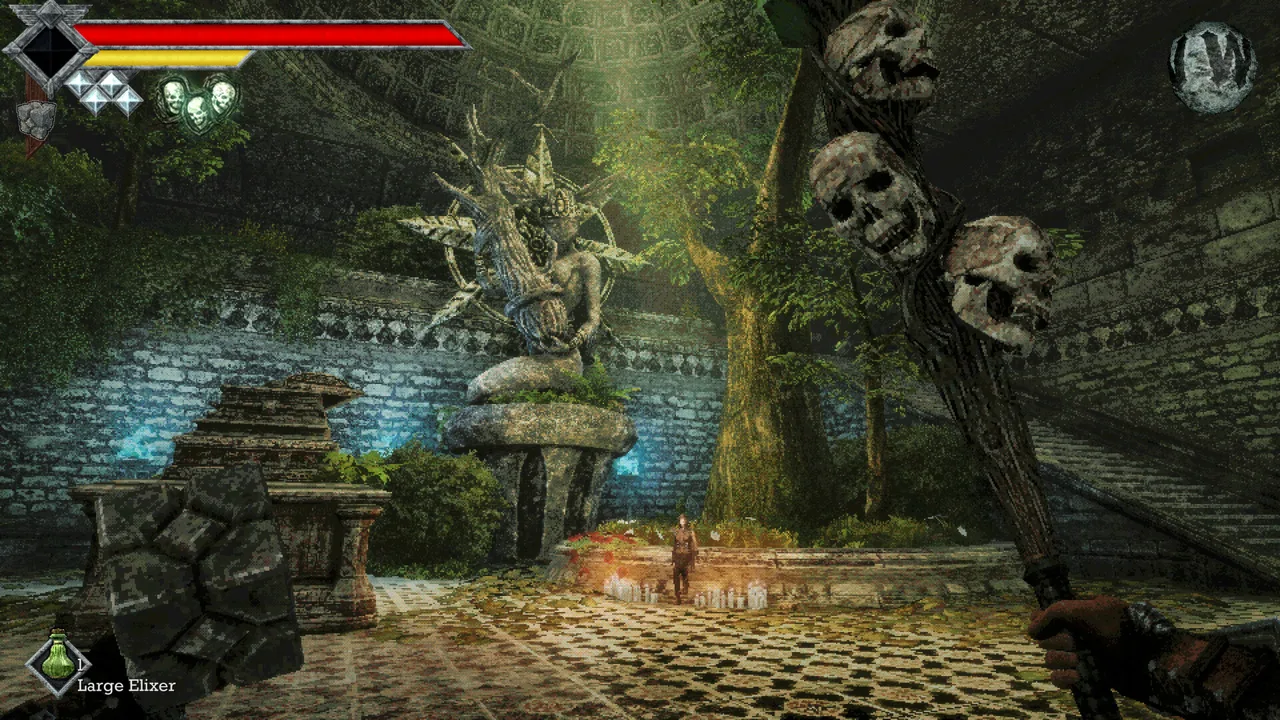
Where to Play and What the Demo Includes
The Queen's Domain demo drops you onto a hostile island with a rusty blade, branching paths, and enemies that punish frantic attacks. Learning how the power meter works—and finding your returning throwing daggers—makes those opening encounters much more manageable. This guide takes you from the beach to the Shrine Guardian while keeping the full game's later areas out of your route.
Download the free demo through the Queen's Domain Steam page. It covers roughly the opening hour of this first-person action RPG, including coastal exploration, an underground burial site, and a boss guarding a legendary sword. Searching for optional items and filling the bestiary gives you more to do beyond that main objective.
The full game has already launched. These are its Steam details:
| Detail | Full Game |
|---|---|
| Release date | October 30, 2026 |
| PC platform | Windows |
| Controller support | Full controller support |
The demo ends at the Holy Sword Endu sequence.
Get Your Sword, Healing Items, and First Save
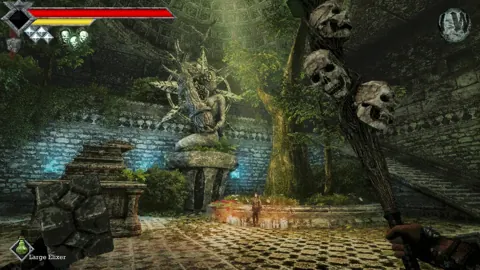
Follow the path inland from the beach to the knights' encampment. The enormous sealed doorway nearby is a landmark to remember; your immediate route goes through the wooden barricade.
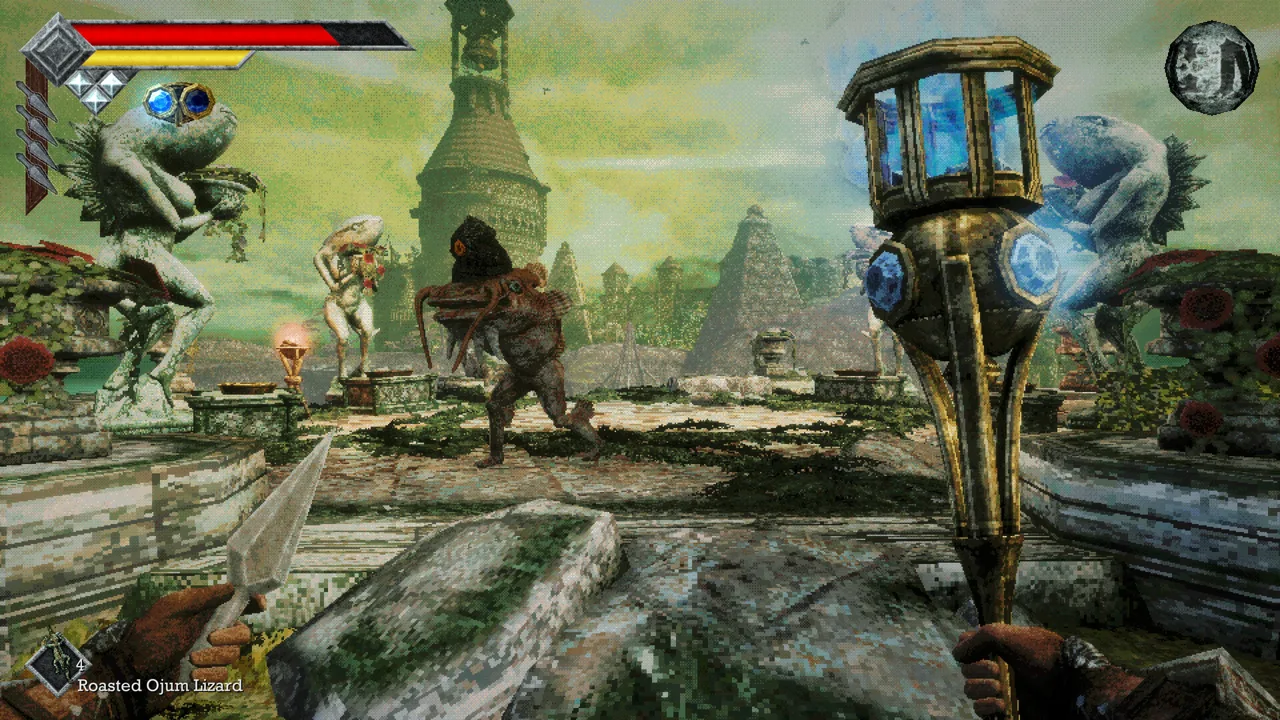 Image: Steam / Freshly Baked Games LLC
- Speak with Commander Ekonta. He gives you the Rusted Short Sword and asks you to search for the other knights.
- Equip the sword in your inventory. Receiving a weapon doesn't replace the need to equip it.
- Collect the Dried Herbs around camp. Look behind the wounded knight and near the barricade.
- Break the crate behind the commander. Healing supplies are hidden inside. Let your power recover between swings instead of repeatedly clicking.
- Destroy the wooden barricade. Beyond it, use the Crystal Monument to save.
Saving and resting are separate actions. Saving records your progress. Resting restores health and brings enemies back, so save without resting when you want to preserve a cleared route.
Death sends you back to your last manual save. Return after finding important equipment, opening a shortcut, or collecting the shrine key rather than risking all three on one long expedition.
Before leaving camp, check your controls. On the keyboard layout shown in the demo, F uses the selected quick-slot item and Q throws an equipped throwing weapon. Practice selecting your healing item somewhere quiet; discovering the wrong item is selected during a skeleton's lunge is an expensive lesson.
Make the Power Meter Work for You
The yellow bar determines how hard your melee attacks hit. Swinging repeatedly with an empty meter produces weak blows, which makes even a Ratty Bug feel unusually durable.
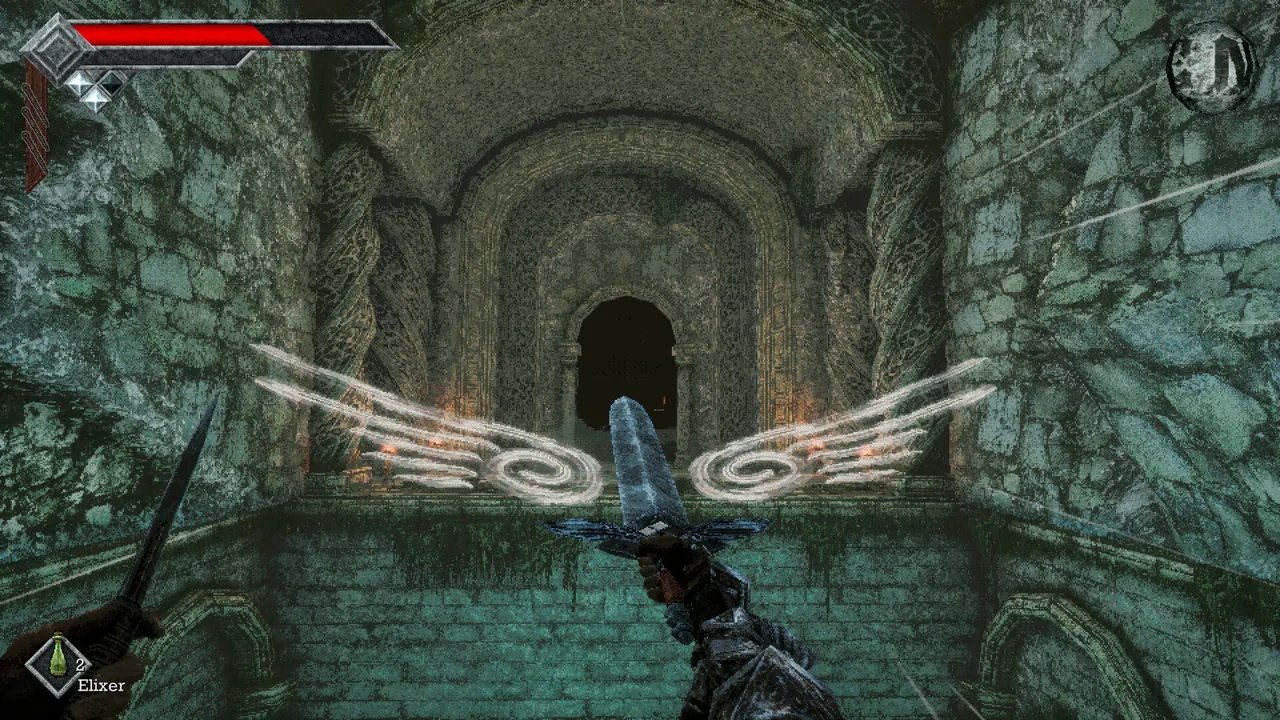 Image: Steam / Freshly Baked Games LLC
Use this rhythm:
- Let the yellow meter refill.
- Bait an enemy's attack from outside its reach.
- Move in for a strike after it commits.
- Back away while your power recovers.
Hold the primary attack button to charge a stronger hit. The meter turns blue as the attack charges, and you can begin charging while power is still recovering.
Running drains power, too. Stop sprinting before attacking so you aren't reaching an enemy with a nearly empty bar.
Match Your Weapon to the Enemy
Match these weapons to enemy weaknesses:
| Weapon | Damage Type | Enemy Weak to That Type |
|---|---|---|
| Rusted Short Sword | Slash | Ratty Bug |
| Wooden Club | Impact | Skeletons |
Check the bestiary when an enemy takes little damage. A weapon's animation doesn't determine its damage type: a sword thrust still uses the sword's listed damage type.
Weapons gain levels through use, increasing their effectiveness.
Fight enemies individually whenever possible. Back away from groups and use throwing daggers to attract one target before engaging in melee.
Find the Dagger Belt Before Clearing the Coast
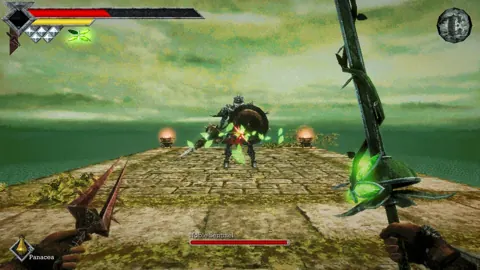
 Image: Steam / Freshly Baked Games LLC
Prioritize the Dagger Belt. It supplies three throwing daggers that return over time, giving you a ranged attack without a constant ammunition bill.
From the first Crystal Monument:
- Climb the nearby stairs.
- Take the first right through the gap in the rocks.
- Turn right again onto the coastal path.
- Continue past the two Ratty Bugs and the Forest Eyes along the walls.
- Look offshore for two small rocky islands, with an item sparkling on the farther one.
- Run and jump across the islands, then collect and equip the Dagger Belt.
Keep moving when passing Forest Eyes. Their sweeping beams become much harder to manage if you stop beneath them to fight something else.
You cannot swim. Falling into deep water costs health and returns you to shore, so line up your jumps rather than stepping off the edge while watching an enemy.
Once the belt is equipped, watch the dagger icons on your HUD. Each available icon represents a throw, and spent charges refill over time.
Use the daggers to remove elevated Forest Eyes, draw enemies out of crowded areas, and damage dangerous opponents while maintaining distance. Let charges recover behind cover before moving into another exposed stretch.
Pick Up the Spear and Open the Return Route
Head back along the coastal road after collecting the belt. Remove the Forest Eyes overlooking the path before taking on the ground enemies beneath them.
Look for a chest containing the Rusted Spear while exploring the early paths.
The spear gives you longer reach. Use that reach to attack from farther away, and leave room behind you to retreat.
Search for a shortcut back toward the starting area before committing to the dungeon. Then head back to the Crystal Monument and save with your belt and spear secured.
Get the Shrine Key Underground
The injured knight outside the shrine points you toward a nearby burial site. The key is underground, rather than on the small offshore islands where you found the belt.
Explore the underground burial site carefully, drawing enemies away from groups before advancing.
- Clear the entrance floor in small groups. Retreat up the ramp when you need room.
- Look for the chest containing the Wooden Club. Equip it when fighting skeletons to exploit their weakness to Impact damage.
- Watch the walls for Forest Eyes. Remove them with throwing daggers before approaching other enemies.
- Check the burial areas for skeleton ambushes. Leave yourself space to retreat when they rise.
- Find the shrine key underground. Return to the locked shrine with it.
- Look for the Life Charm while exploring. Equip it to increase your maximum health.
- Find a route back to the starting area. Return to the Crystal Monument and save your progress.
The club deals Impact damage, which skeletons are weak against. Its swing is slow, so start charging with room to retreat and avoid trading blows at point-blank range.
Skeleton lunges cover more distance than their standing pose suggests. Keep the corridor behind you clear instead of backing into pots, corners, or another burial alcove.
When you reach the surface, save again. Rest if you need health, then prepare your healing quick slots before returning to the shrine.
Defeat the Shrine Guardian and Reach the Ending
Return along the coast toward the islands where you collected the belt. The fenced shrine entrance is near the injured knight's position. Unlock it with the shrine key.
Clear nearby pursuers before entering. Fighting the boss while ordinary enemies crowd your retreat turns a readable duel into a much messier encounter.
The Shrine Guardian is a large skeleton carrying a sword with substantial reach. Give its attacks more space than you gave the ordinary skeletons.
- Watch for the raised overhead stance. Back away early; the resulting strike reaches a long distance.
- Attack after a committed swing. Use one deliberate hit, then recover your spacing and power.
- Throw daggers between melee openings. Keep moving while their charges return.
- Use the spear's reach to maintain distance. Keep track of the ground behind you.
- Heal before the next exchange becomes lethal. Select your herbs or Elixir before you need them.
Keep your attacks measured even when the boss has little health left. Empty-power swings leave you close to its sword for very little damage.
After victory, you receive a stone duck statue.
Save before approaching the Holy Sword Endu if you want to continue exploring. Reaching for the sword triggers the demo's ending sequence. The playable aerial-dash progression belongs to the adventure beyond this endpoint.
Explore the Shop and Remaining Secrets
Explore the merchant's inventory before ending your run. The Ancient Coins scattered around the island finally have a use there.
Before ending your run, revisit the early paths with your expanded equipment:
- Remove elevated enemies. Forest Eyes and flying creatures are much easier to engage with throwing daggers.
- Inspect defeated enemies' surroundings. Dropped herbs can blend into the ground and vegetation.
- Break responsive crates and barrels. Use recovered power or charged attacks instead of weak repeated swings.
- Check the bestiary. It records enemy descriptions and damage affinities, giving you something useful to pursue after the boss.
- Revisit the shoreline. Fish are among the creatures available for the bestiary; find a safe position where they swim within throwing range.
Some routes explicitly stop at the demo boundary. Leave those paths for the full game, and use your remaining exploration time on reachable ledges, unopened containers, and creatures you passed while carrying only the starting sword.
Continue with
 Queen's Domain Difficulty: Combat and Survival TipsQueen's Domain difficulty gets easier when you understand stamina, throwing weapons, and saving. Learn how to survive early fights and find stat upgrades.
More in Guide
Queen's Domain Accessories: Stats, Charms, and Shops
Learn how Queen's Domain accessories affect your stats, where to find and buy them, and how to choose resistance bonuses against dangerous island enemies.
Queen's Domain Achievements: All 53 Unlocks and Route
Track 53 Queen's Domain achievements with exact unlock requirements, collectible goals, boss milestones, four endings, and a practical completion route.

Queen's Domain Beginner Guide: Survive Your First Hour
Queen's Domain beginner guide: learn combat timing, find early weapons, save safely, uncover hidden routes, and prepare for your first boss on Neasied.
Queen's Domain Food Guide: Stat Boosts and Locations
Find Queen's Domain food locations, grab permanent stat boosts, and use Wind Dash to reach hidden meals. Pick up Meal Tickets from each platter you clear.
Continue exploring
Join the community
Official channels for news, updates and player help: