Queen's Domain Accessories: Stats, Charms, and Shops
Learn how Queen's Domain accessories affect your stats, where to find and buy them, and how to choose resistance bonuses against dangerous island enemies.
Jump to
What Do Accessories Do in Queen's Domain?
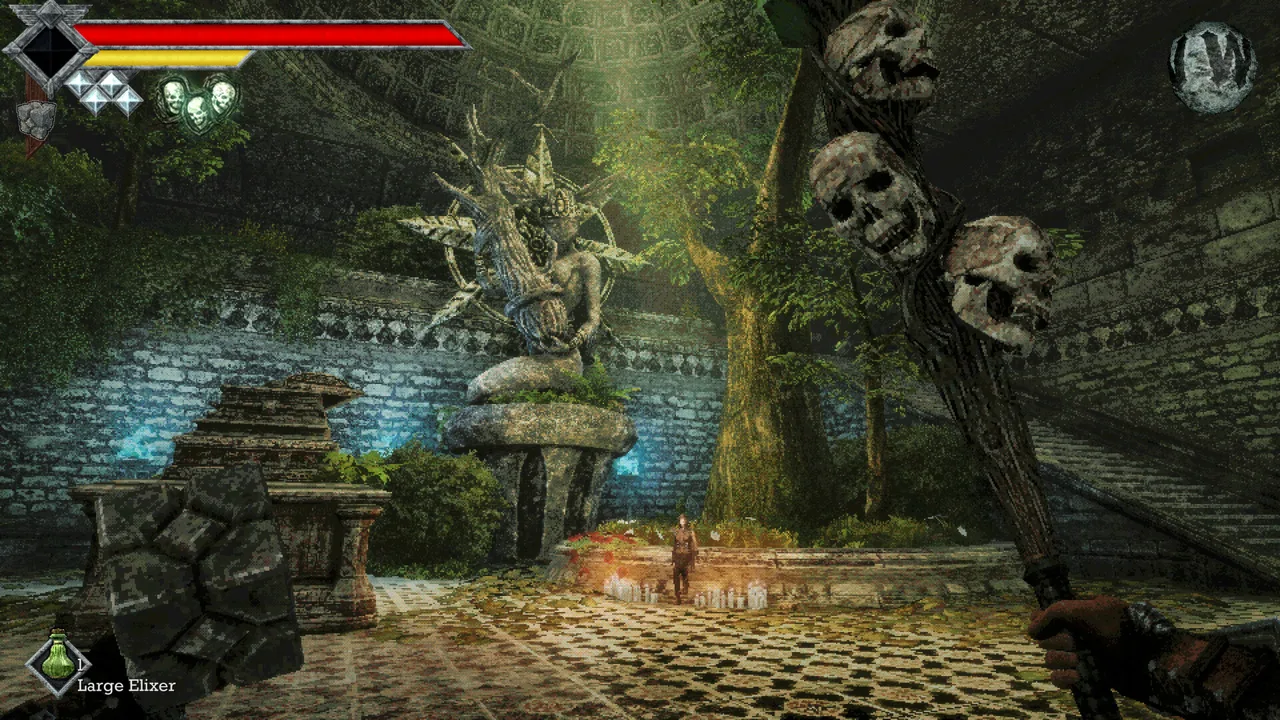
A status effect can wreck your attack rhythm before an enemy finishes you off. Queen's Domain accessories let you adjust your stats and resistances, giving you another way to prepare for dangerous routes through the Isle of Neasied. Check their bonuses before heading back into an area that keeps draining your health or disrupting your attacks.
Accessories occupy their own equipment slots and provide stat bonuses. Your Status & Inventory menu shows your Life Points, Attack Power, Attack Speed, Magic Rate, and resistances, making it the place to compare your character before and after changing equipment.
Resistance is a particularly useful part of this system. Damage Res represents general damage resistance, while separate entries cover negative status effects such as Poison and Heavy. Read each item's description and match its actual bonus to the problem you're facing.
The Life Charm
The Life Charm increases Life Points. It also received a specific fix in Demo Version 1.0.1: its Life Point increase now applied correctly when loading a saved game.
That makes it a concrete example of an accessory affecting your health rather than a status resistance. Check your maximum Life Points when equipping it to see the change.
Official page: Queen's Domain (store.steampowered.com)
Where to Find and Buy Accessories
You can find accessories while exploring and purchase them from the shop. The shop unlocks after you defeat the first boss, and purchases use Ancient Coins.
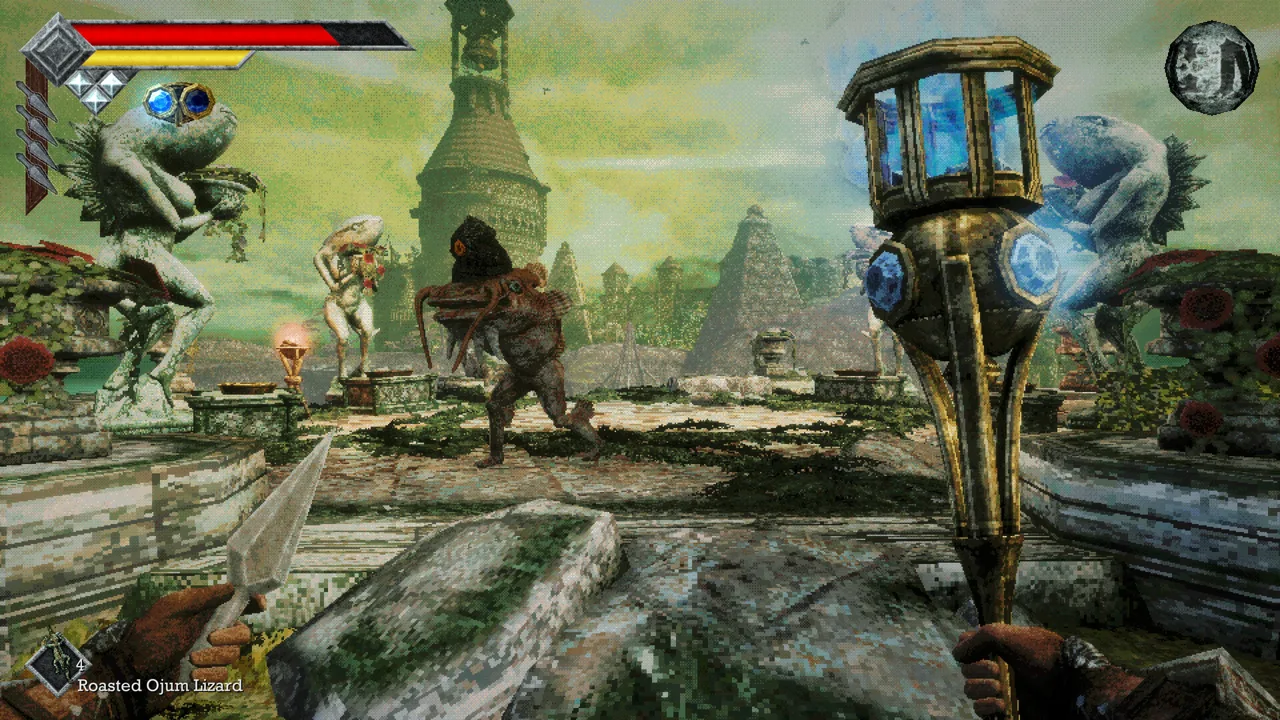 Image: Steam / Freshly Baked Games LLC
Before spending, compare the accessory's description with your current equipment and resistance values. Buy for a problem you're encountering rather than assuming every new item improves your setup.
To fund purchases:
- Collect Ancient Coins during exploration.
- Check your inventory for items classified as Treasure.
- Sell unwanted Treasure at the shop for additional coins.
Classification matters here. Strange pickups such as the Filthy Loot Sack can be Treasure, but an unfamiliar name alone doesn't make an item something to sell.
Search carefully around defeated enemies and nearby scenery. Small pickups can blend into the ground, and your crosshair lights up when aimed at something you can interact with. Sweep it across suspicious objects instead of relying only on spotting an obvious item outline.
Match Resistance Bonuses to Status Effects
Choose resistance bonuses around the attacks disrupting your current route. Several effects interfere with specific combat tools, so recognizing the condition helps you decide what to change.
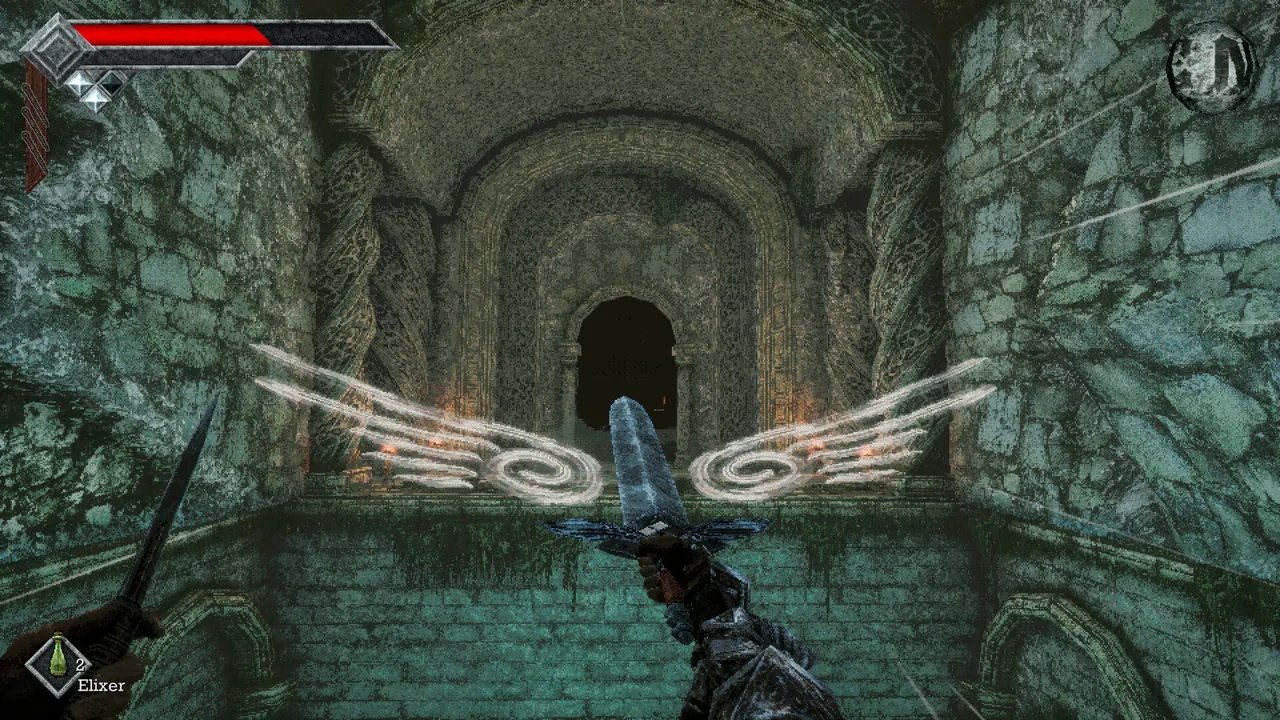 Image: Steam / Freshly Baked Games LLC
| Status effect | What it does |
|---|---|
| Poison | Gradually drains Life Points |
| Heavy | Slows movement and Power Meter recovery |
| Weaken | Increases damage taken |
| Disease | Reduces damage dealt |
| Sticky | Prevents throwing weapon use |
| Binding | Prevents magic use |
| Paralysis | Prevents movement and attacking |
| Azure Flame | Drains Life Points through burning |
| Magic Rot | Builds up before rapidly draining Life Points |
Open the Status entry when your usual combat rhythm suddenly stops working. Heavy can make your Power Meter recover more slowly, while Disease can make a familiar weapon deal less damage. Neither problem is solved simply by swinging faster.
If you rely on throwing weapons, pay attention to Sticky. If you're using magical weapon abilities, watch for Binding. Compare accessories against those specific threats, and keep appropriate remedies in your Quick Slots.
Check Your Setup Before Leaving a Crystal Monument
Separate an equipment problem from a combat timing problem. Your Power Meter determines melee attack strength, and running drains it. An accessory change won't replace letting that meter recover between strikes.
 Image: Steam / Freshly Baked Games LLC
Before returning to a difficult stretch:
- Check your current status effects.
- Read your equipped accessories' bonuses.
- Compare the relevant stats after making a change.
- Put healing items and status remedies in your Quick Slots.
- Save at a Crystal Monument to preserve your equipment and exploration progress.
Resting restores health and removes negative status effects, but it also respawns enemies. Resting and saving are separate actions. After collecting a useful accessory, manually save before risking another trip into unfamiliar territory.
Continue with
 Queen's Domain Achievements: All 53 Unlocks and RouteTrack 53 Queen's Domain achievements with exact unlock requirements, collectible goals, boss milestones, four endings, and a practical completion route.
More in Guide

Queen's Domain Beginner Guide: Survive Your First Hour
Queen's Domain beginner guide: learn combat timing, find early weapons, save safely, uncover hidden routes, and prepare for your first boss on Neasied.

Queen's Domain Demo Guide: Daggers, Keys & Boss Tips
Explore the Queen's Domain demo with a route to the Dagger Belt, shrine key, and boss, plus combat tips that help you save herbs and protect progress.
Queen's Domain Difficulty: Combat and Survival Tips
Queen's Domain difficulty gets easier when you understand stamina, throwing weapons, and saving. Learn how to survive early fights and find stat upgrades.
Queen's Domain Food Guide: Stat Boosts and Locations
Find Queen's Domain food locations, grab permanent stat boosts, and use Wind Dash to reach hidden meals. Pick up Meal Tickets from each platter you clear.
Continue exploring
Join the community
Official channels for news, updates and player help: