Queen's Domain Status Effects: All 9 Debuffs Explained
Learn how Queen's Domain status effects change combat, identify all nine debuffs, and use resting, remedies, and resistance gear to keep your run alive.
Jump to
What Every Status Effect Does
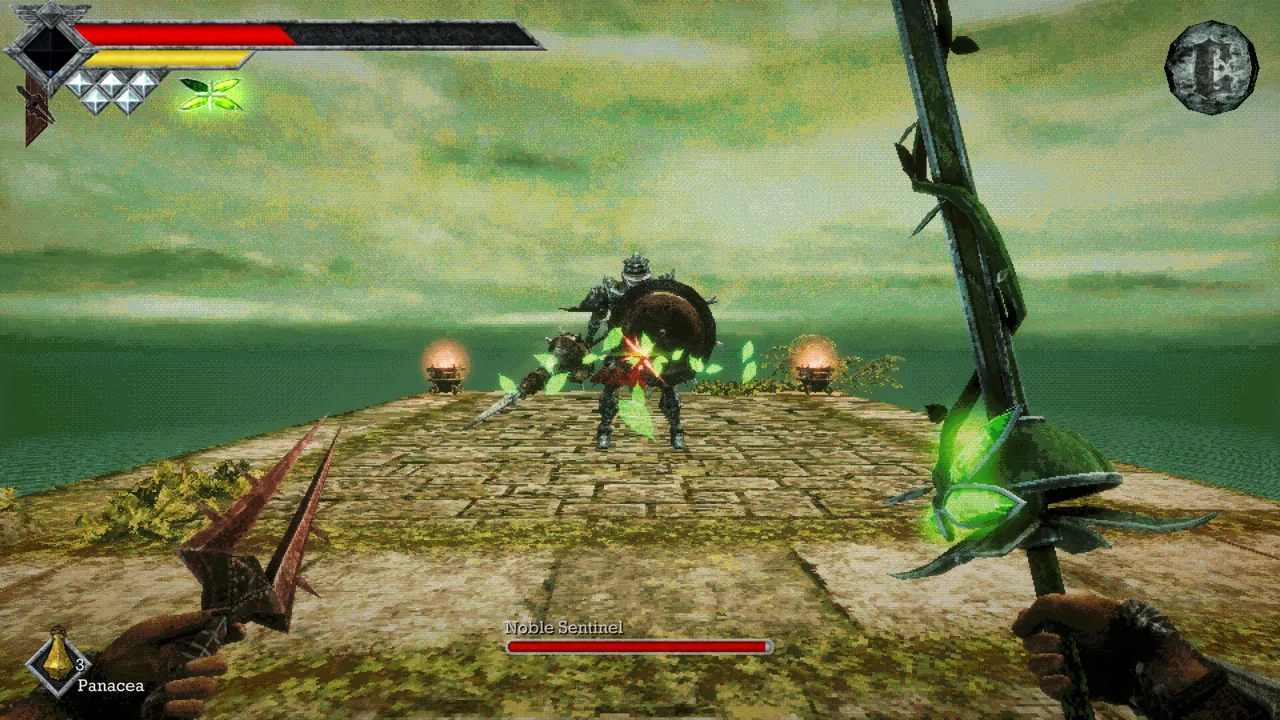
A sudden drop in damage or a throwing weapon that stops working can turn a manageable fight into a scramble. Queen's Domain status effects can drain your health, slow your recovery, or disable attacks you depend on. Check the Status entry in Status & Inventory when your character suddenly behaves differently.
There are nine core negative effects, each affecting a different part of combat:
| Status effect | What it does |
|---|---|
| Poison | Slowly drains your Life Points over time. |
| Heavy | Slows movement and Power Meter regeneration. |
| Weaken | Increases the damage you take. |
| Disease | Reduces the damage you deal. |
| Sticky | Prevents you from using throwing weapons. |
| Binding | Prevents magic use, including the Azure Torch's ranged fireball attack. |
| Paralysis | Prevents movement and attacking. |
| Azure Flame | Drains your Life Points while you burn. |
| Magic Rot | Builds up slowly before rapidly draining your Life Points. |
Weaken and Disease affect opposite sides of a damage exchange. Weaken makes enemy hits more dangerous; Disease makes your own attacks less effective. Heavy adds another complication by delaying the Power Meter recovery that your melee damage depends on.
Recognize the Screen Effects
Several debuffs have distinctive visual warnings:
- Purple mist: Poison.
- Falling white streaks: Heavy.
- A dark cloud narrowing your vision: Disease.
- Spiderwebs across the screen: Sticky.
- Glowing green chains: Binding.
- Blue flames: Azure Flame.
Use these cues to recognize trouble quickly, then check your Status entry to identify the effect by name.
Official page: Queen's Domain (store.steampowered.com)
How to Remove Debuffs
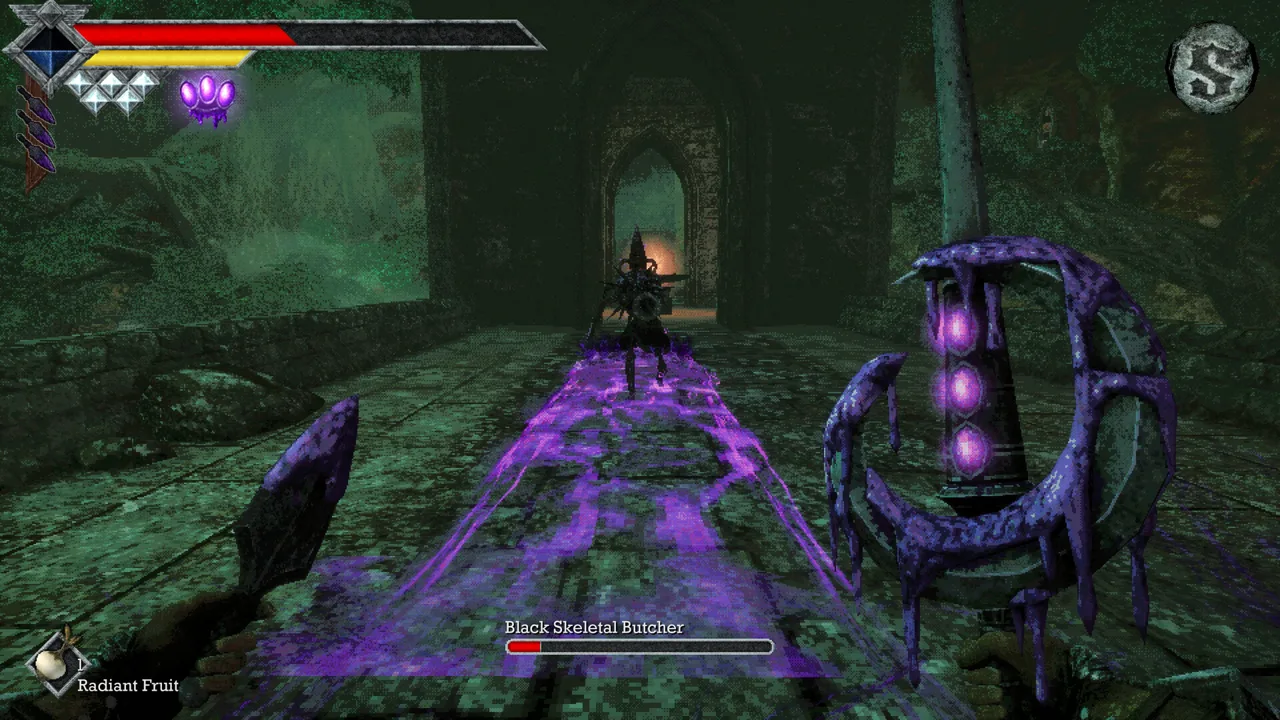 Image: Steam / Freshly Baked Games LLC
Resting at a Crystal Monument clears negative status effects and fully restores your health. Return to one when a debuff makes the next stretch unnecessarily dangerous.
Resting also respawns enemies, so account for the route you will need to fight through afterward. Saving and resting are separate actions: manually save your progress when you reach the monument instead of assuming that healing also records your discoveries.
Away from a monument, use the appropriate status-curing consumable. Keep remedies available for difficult encounters, especially when a debuff disables the attack your strategy relies on. Status cures are scarcer than ordinary healing supplies.
For a non-damaging effect such as Sticky, consider retreating somewhere safe and letting it expire. Avoid waiting within enemy reach simply because the effect itself does not drain health. Heavy still makes escaping harder, while Weaken increases the cost of taking another hit.
Treat health-draining effects more urgently. Watch your Life Points, use healing supplies when needed, and retreat toward a monument if you cannot safely continue. Magic Rot deserves particular attention because its slow buildup leads into rapid health loss.
Prepare Your Accessories and Quick Slots
Your character's stats include separate resistance values for effects such as Poison and Heavy. Equip accessories that address the debuff causing trouble in your current area, then review those resistance entries in Status & Inventory.
 Image: Steam / Freshly Baked Games LLC
Accessories can be found while exploring or purchased at the shop. Some talismans also shorten the time particular effects take to wear off. Use that protection when an area repeatedly exposes you to the same problem.
Before entering a difficult stretch:
- Put healing items and relevant status remedies in your Quick Slots.
- Remove unnecessary items from that list to reduce scrolling.
- Review your equipped accessories before committing to another attempt.
- Carry a physical melee option alongside magic and throwing weapons.
On the default PC controls, F uses the selected Quick Slot item, and the scroll wheel cycles through the list. Prepare the selection before approaching enemies so the remedy you need is easier to reach.
Adjust Your Combat When an Effect Lands
Sticky and Binding call for different responses. Sticky blocks throwing weapons, so switch to melee or an available magic attack. Binding blocks magic, so use physical attacks or throwing weapons instead. Avoid repeatedly pressing an attack input that the active effect has disabled.
 Image: Steam / Freshly Baked Games LLC
Heavy requires a change in timing. Let the Power Meter recover before swinging, and leave yourself more room to retreat. Running drains that meter, which further reduces the strength of attacks made before it refills.
When your damage suddenly collapses, check both Disease and your Power Meter. A depleted meter already makes melee strikes weak; repeatedly attacking prevents it from recovering. Stop rushing swings, create space, and check your status before changing weapons or heading off to gain levels.
Charged attacks also restrict your options: holding one prevents running, Wind Dashing, and using throwing weapons. Release the charge when you need to reposition rather than holding it while an enemy closes in.
Handle Poison and the Tower's Debuffs
Dagoom, the Sea King
Dagoom spreads poison through the water and creates currents that interfere with positioning. Use Wind Dash to move away from the current and poisoned water, then resume attacking from a safer position.
Bring healing supplies and throwing weapons for the fight. Use the Azure Torch when an opening allows it to apply burning damage, and switch to slash attacks against the smaller fish.
Tower of Knowledge and the Necronomicon
The Tower of Knowledge puts greater pressure on your ability to handle debuffs. Prepare remedies before pushing deeper, and keep alternatives ready when throwing weapons or magic become unavailable.
Against the Necronomicon, keep your distance and use throwing weapons while watching its ranged status attacks. Move in for melee strikes when the book drops, and use the Azure Torch to set it burning when you have an opening.
When it changes into its goat form, prioritize keeping your distance until it changes back. If Sticky or Binding interrupts your offense, switch to an available attack or use a remedy before committing to the next opening.
Continue with
 Queen's Domain Charged Attacks: Timing and Power GuideMaster Queen's Domain charged attacks with Power Meter timing, weapon weaknesses, and stamina management tips to land harder hits without getting trapped.
More in Combat

Queen's Domain Combat Guide: Hit Harder, Take Less
Use this Queen's Domain combat guide to master the power meter, exploit enemy weaknesses, choose early weapons, and prepare for tougher fights and bosses.

Queen's Domain Special Attacks: Weapons and Upgrades
Master Queen's Domain special attacks with the Rusted Spear, Azure Torch, and Endu. Learn how power, magic charges, and the Storm Gem shape your combat.
Queen's Domain Stamina: Power Meter and Combat Tips
Let the yellow Power Meter beneath your health bar recover before your next melee strike. Repeated swings with an empty meter deal less damage.
Continue exploring
Join the community
Official channels for news, updates and player help: